
File request software does one job: you ask someone for files, and they send them to you through a link. You do not email back and forth. They do not need an account. The files arrive in one place.
Think of a mailbox with a slot. Anyone can put something in. Only you can open it.
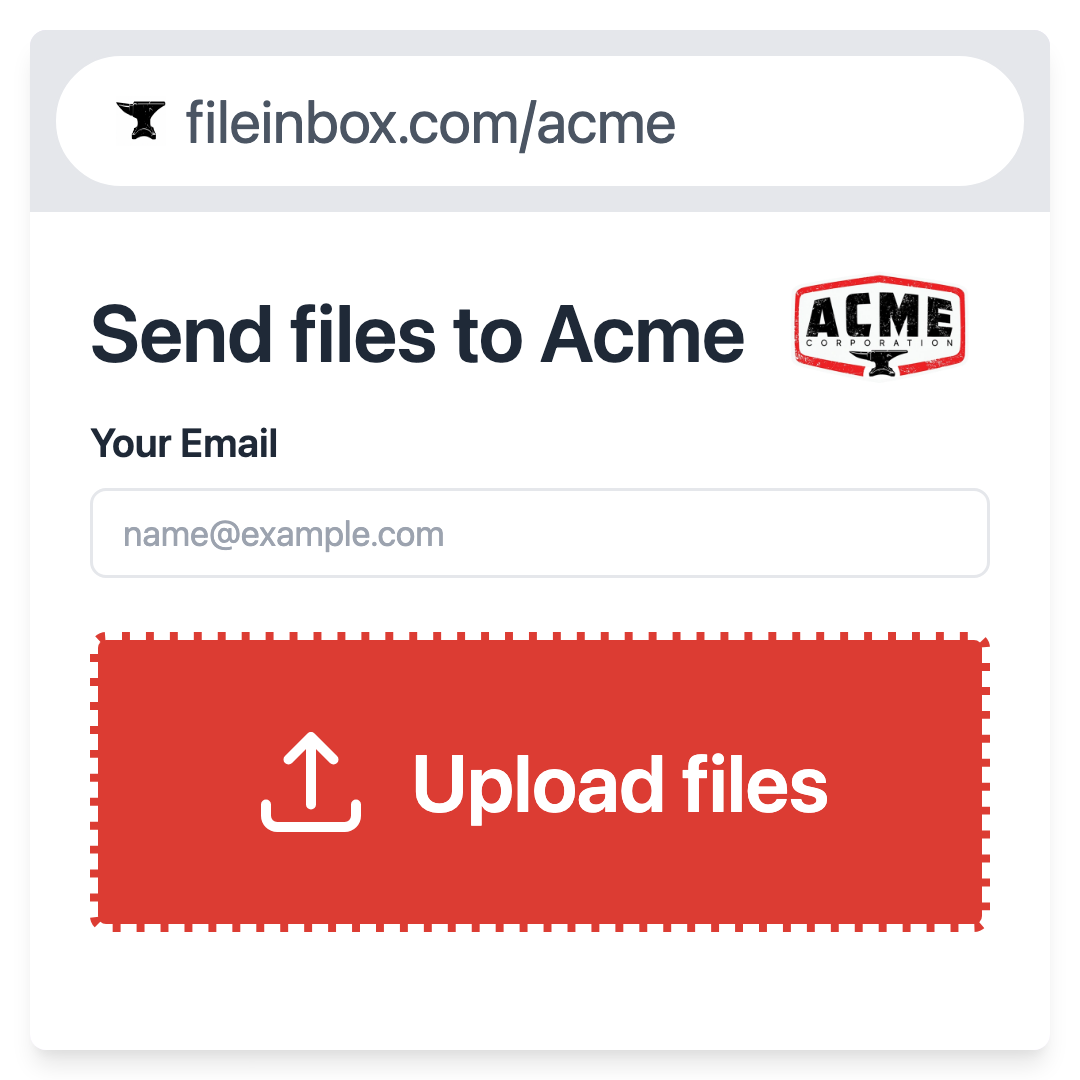
How a file request works
- You make an upload page. Pick a link such as
fileinbox.com/your-name. Add your logo and a line of instructions. - You send the link. Put it in an email, a message or on your website.
- The sender uploads. They choose files, fill in the questions you set, and press send. No sign-up.
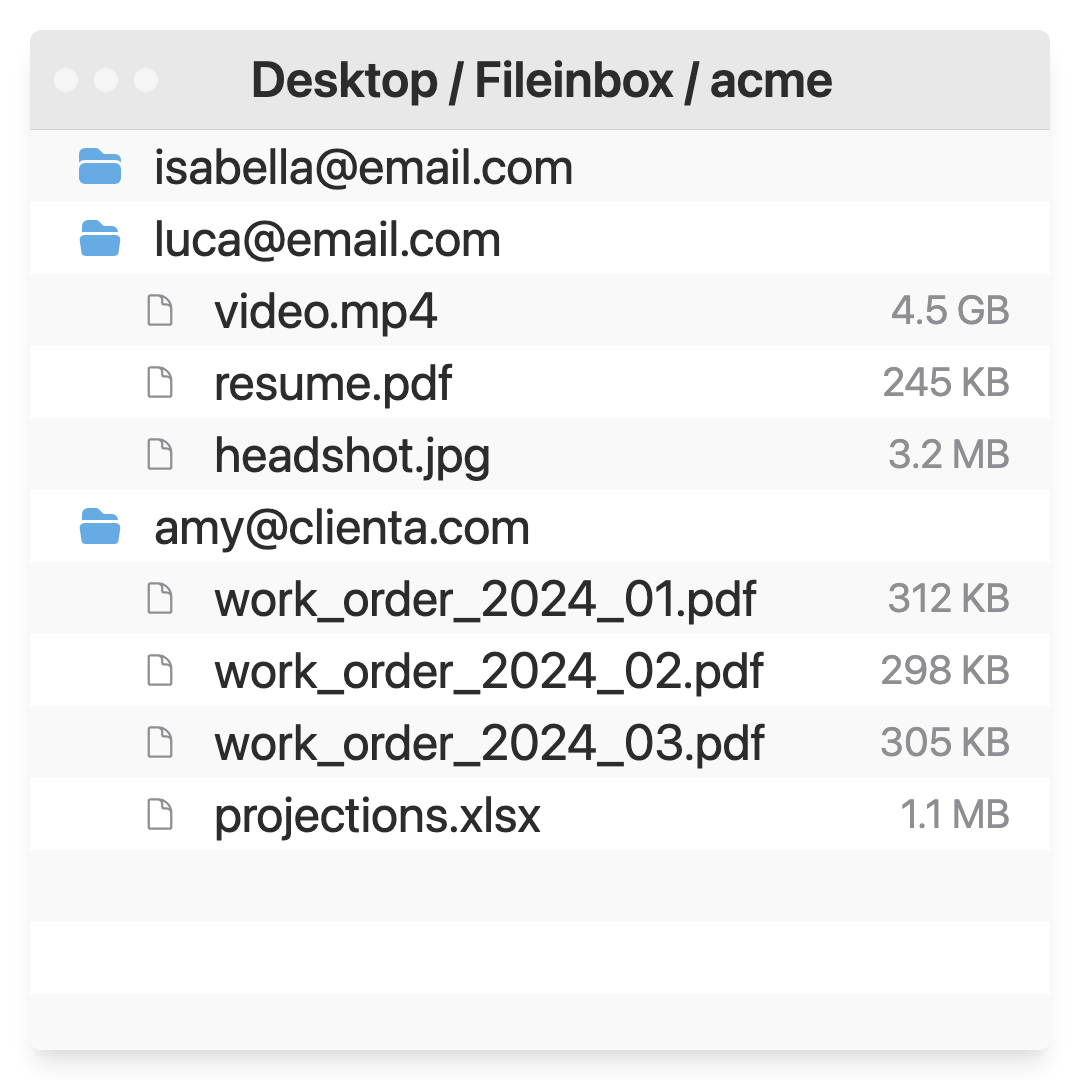
- You get the files. You get an email. The files are in Fileinbox, and they sync to Dropbox or Google Drive if you connect one.
When to use one
- Clients send you documents: tax papers, contracts, IDs, design assets.
- Customers send photos or videos for a job, a claim or a project.
- A team gets files from many outside people and wants them in one folder.
- You want an upload form on your website instead of an email address.
What to look for
- No account for the sender. This is the main reason people skip a tool.
- File size. Check the limit per file, not only the total.
- Questions next to the files. A name and a job number save you from renaming files by hand.
- Your own look. A logo and a link that match your business.
- Where the files land. Your own Dropbox or Google Drive is easiest to work with.
- Access control. An access code stops strangers and spam.
What Fileinbox does
- A link with your own name in it, and an upload form you can embed in your site.
- No account for the sender.
- Up to 10 GB per file on every plan.
- Questions next to the files: name, email, job number, notes.
- Your logo and theme, and an option to hide the Fileinbox branding.
- An access code.
- Sync to Dropbox or Google Drive, and an email when files arrive.
- An API and a command line tool for scripts. See the API documentation.
What Fileinbox does not do
- It has no request checklist and sends no reminders. If you must chase a client for a list of named documents, tools such as FileInvite and Content Snare are built for that.
- It has no end-to-end encryption.
- It makes no HIPAA or SOC 2 claim.
- It syncs to Dropbox and Google Drive only. It does not sync to OneDrive.
Compare before you choose
- WeTransfer alternatives for receiving files
- Dropbox file request alternative
- Google Forms file upload without sign-in
See every feature and the plans. The free plan has 100 responses and 3 upload pages.